Generate invoices, edit and compress PDFs, build resumes, create QR codes and bulk barcodes, resize images, and run everyday calculators — all in your browser, free, with no signup. Pick a tool below or read a practical guide on the blog.
360ToolHub is a free online toolkit for everyday work: invoices, resumes, PDFs, QR codes, barcodes, passwords, image tools, and calculators. The goal is simple — finish the task in your browser without creating an account, installing software, or uploading private files to a permanent cloud folder.
Many “free tool” sites add watermarks, daily limits, or forced sign-ups. Others process documents on remote servers with little explanation. We designed 360ToolHub around a different default: where possible, tools run client-side in your browser, so invoice data, resume text, and PDF files stay on your device while you work.
Freelancers who need a clean invoice PDF the same day they deliver work. Students and job seekers who want a structured resume without fighting Word layouts. Small teams who must shrink a PDF before an email limit rejects it. Shop owners who need many barcodes at once. Anyone who wants a quick, private utility without another subscription.
Each major tool includes how-to steps and FAQs on the same page. The blog goes deeper — for example how freelancers write clearer invoices, how to reduce PDF size safely, when to use barcodes versus QR codes, and common percentage or unit-conversion mistakes. Tools solve the task; guides explain the context.
We do not require registration to use the catalog. We do not sell personal data. For browser-based tools, your content is processed locally rather than stored as part of a permanent account product. Read the Privacy Policy and Terms for full details, and use the Contact page for questions or tool requests.
 Invoicing
Common mistakes that delay payment, and how to get paid faster.
 Career
What recruiters scan for in the first 6 seconds.
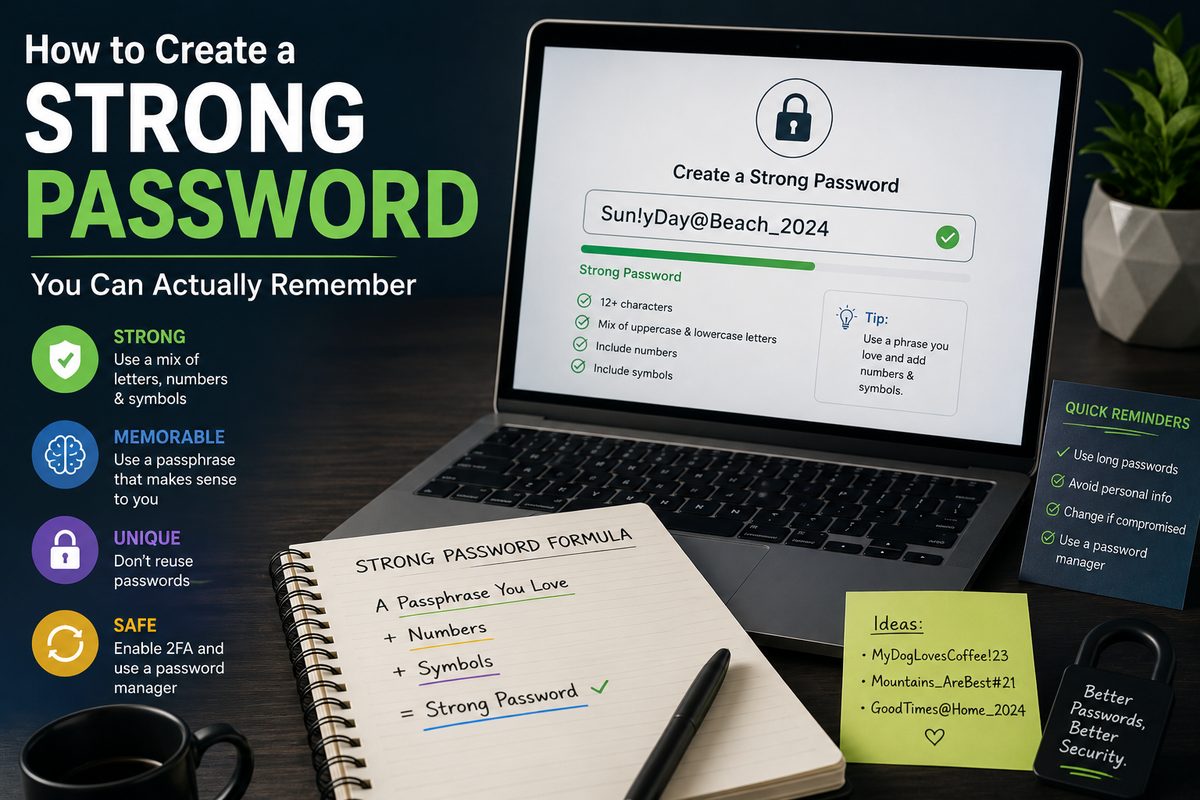 Security
Why symbol substitutions don't help as much as you'd think.
 360ToolHub