 360ToolHub
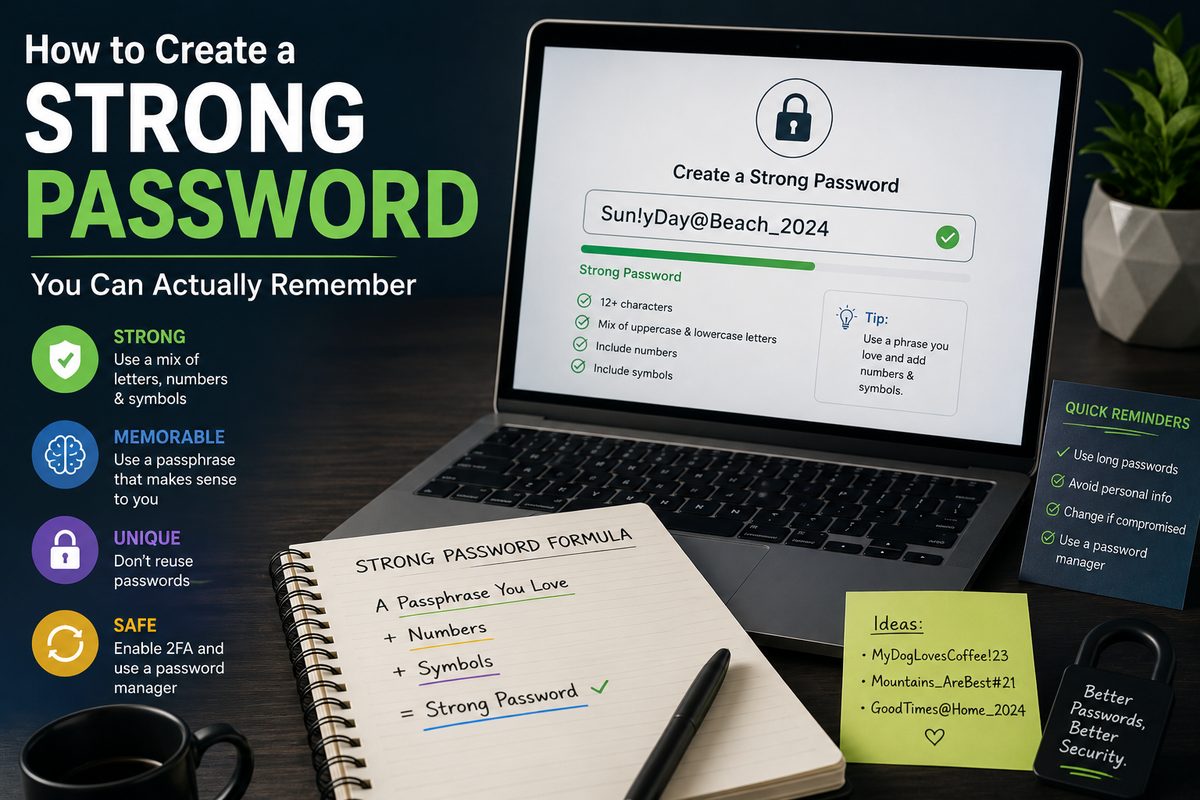
"P@ssw0rd123" feels secure — it's got a capital letter, a symbol, a number. But it's also one of the first patterns any password-cracking tool tries, because swapping letters for lookalike symbols is something almost everyone does. Real password strength comes from somewhere less obvious.
What actually makes a password strong
Two things matter far more than clever symbol substitutions:
- Length. Every extra character multiplies the number of possible combinations. A 16-character password is dramatically harder to brute-force than a 10-character one, even with fewer "special" characters.
- Randomness. A password shouldn't be guessable from anything about you — no birthdays, pet names, or dictionary words, even with numbers tacked on.
A truly random 16-character password with a mix of character types is, for practical purposes, not brute-forceable with current technology. That's a much higher bar than most manually-created passwords clear.
Why "clever" substitutions don't help much
Turning "password" into "P@ssw0rd" feels like it should help, but cracking tools are trained on exactly these patterns — @ for a, 0 for o, 3 for e are so common they barely add difficulty. The password is still fundamentally based on a dictionary word, which is the actual weakness.
Skip the guesswork
Generate a truly random password with the exact rules you need.
The real problem: remembering dozens of them
Nobody can memorize forty unique 16-character random passwords, and that's fine — you're not supposed to. The realistic system professionals actually use is:
- Use a password manager (built into most browsers, or a dedicated app) to store unique random passwords for every account.
- Memorize one strong password — for the password manager itself, and maybe your email, since that's often the recovery path for everything else.
- Let everything else be randomly generated and auto-filled, so you never have to remember or reuse them.
This sounds like more setup than it is — most password managers take a few minutes to configure and then quietly handle the rest.
For the one password you do need to memorize
A passphrase — several unrelated words strung together, like "correct horse battery staple" — is both long and genuinely memorable, without following a predictable pattern. Length alone makes it strong; you don't need to force in symbols to make it secure.
Why reusing passwords is riskier than it feels
When one site gets breached — and breaches happen constantly, even to large companies — leaked email/password combinations get tested against other sites automatically. A password reused on even one minor, low-security site can end up compromising your email or banking login if that same combination gets tried elsewhere.
Generate one now
Custom length, character rules, and a live strength meter — free.
The bottom line
Length and randomness beat clever substitutions every time. Let a password generator handle the randomness, let a password manager handle the remembering, and save your own memory for the one or two passwords that actually need it.