 360ToolHub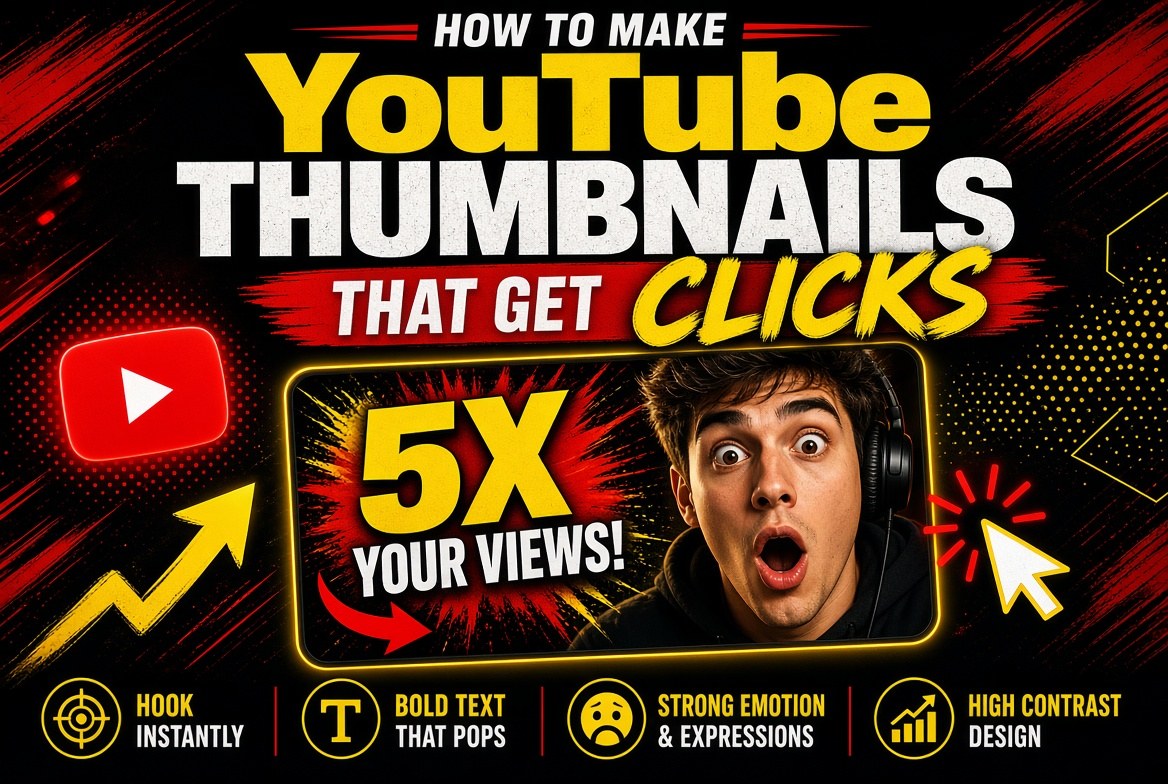
A thumbnail is the poster for your video. Viewers decide in a fraction of a second whether the click is worth it. You do not need expensive design software to hit the basics — correct size, readable text, and strong contrast.
Use the right size
YouTube recommends 1280×720 pixels (16:9), under 2MB, in JPG, PNG, or non-animated GIF. Smaller or oddly cropped images can look soft on TV apps and desktop.
Make the text readable on mobile
- Keep the title short — a few strong words beat a full sentence
- Use large type with high contrast against the background
- Leave margin so text is not clipped in UI chrome
Contrast and face/emotion (when relevant)
Bright subjects on darker backgrounds (or the reverse) scan better in a crowded feed. Many successful channels use a clear focal point — a face, product, or bold shape — plus 2–4 words of text.
Stay honest
Misleading thumbnails may earn a first click and lose the next hundred. Match the thumbnail promise to the first 30 seconds of the video.
A fast workflow
- Pick a background color or upload a frame from the video
- Add a short headline
- Optional subtitle for context
- Export PNG at 1280×720
- Upload in YouTube Studio and A/B test ideas over time
Try the free YouTube Thumbnail Maker on 360ToolHub — template-style backgrounds, big text, and PNG download in the browser. No signup.
FAQ
What size is a YouTube thumbnail?
1280×720 pixels (16:9) is the standard recommendation.
Do I need Photoshop?
No. A browser tool is enough for text-on-background and simple layouts.
Can I use the same thumbnail style every time?
Yes — consistent branding helps recognition. Still change the text and focal image per video.
Related tool: YouTube Thumbnail Maker