 360ToolHub
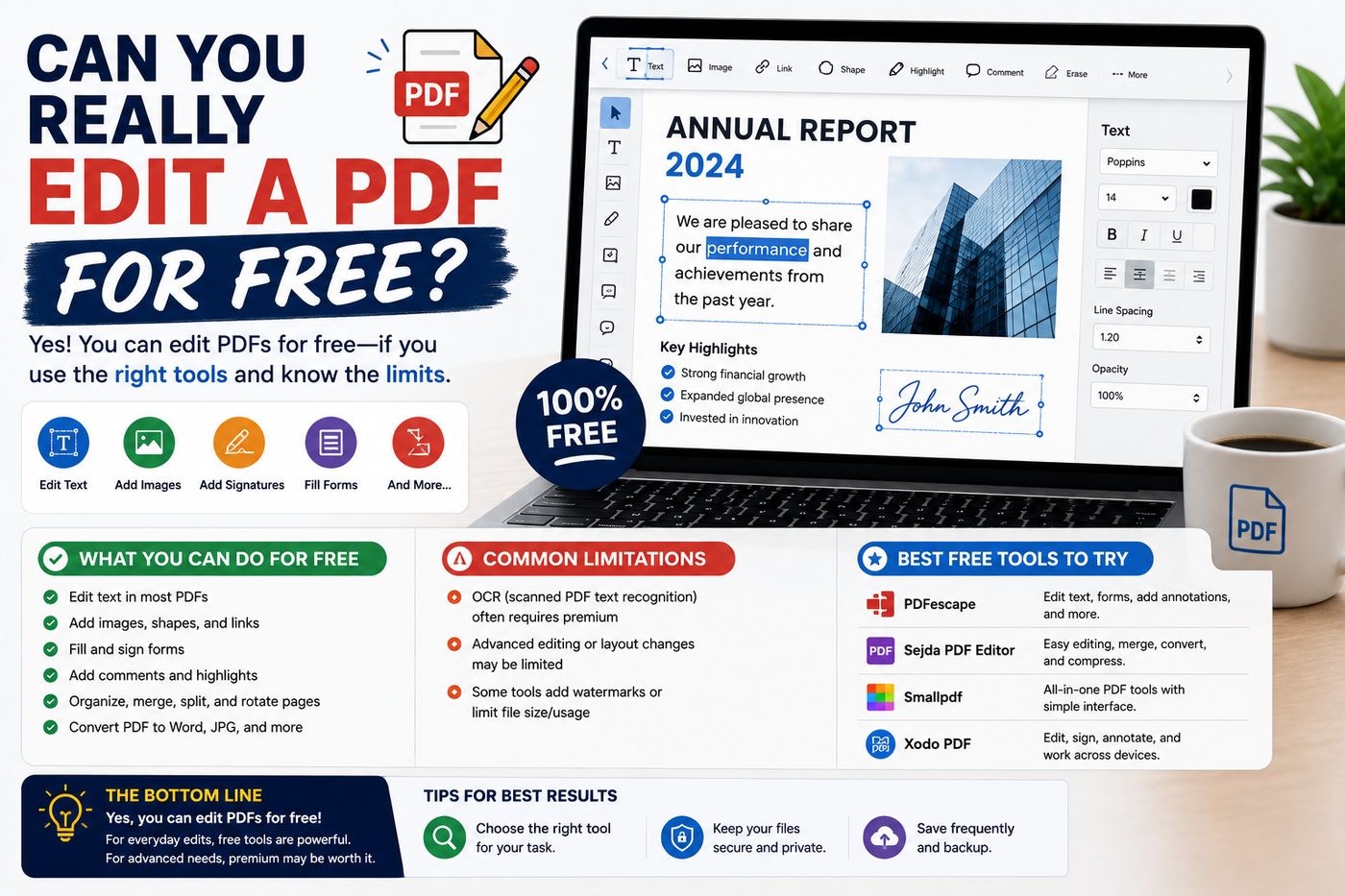
"Edit PDF" gets used to describe two genuinely different things, and knowing which one a tool actually does saves a lot of frustration.
Two different meanings of "editing" a PDF
True content editing means changing text that's already part of the document — fixing a typo in a paragraph, and having the rest of the line reflow naturally. This requires understanding the document's internal text structure deeply, which most PDFs don't expose in an easily editable way. Even paid, professional tools handle this imperfectly.
Annotating / adding content means layering new text, drawings, signatures, or highlights on top of the existing, untouched page — similar to writing on a printed page with a pen, or filling in a form. This is fully achievable for free, directly in a browser.
What a free browser-based PDF editor can actually do well
- Add new text anywhere on a page — filling in a form, adding a note, labeling a diagram
- Draw or sign directly on the page
- Highlight sections to draw attention to them
- Do all of this without re-compressing or degrading the original document
Try it yourself
Add text, draw, sign, or highlight — free, no signup, keeps original quality.
Why this covers most real-world "editing" needs
Most of the time people want to "edit a PDF," they're actually filling in a form, adding a signature, leaving a comment, or marking up a section for someone else to see — not rewriting the original text. Annotation-style editing handles nearly all of these cases without needing anything more complex.
When you actually need true text editing
If you genuinely need to change the original wording of a document — not just add to it — the more reliable path is usually going back to the source file (the Word document or design file the PDF was exported from), editing that, and re-exporting. Trying to force real content edits into an existing PDF, even with paid software, often introduces formatting glitches that a fresh export avoids entirely.
Need to sign something?
Draw or type a signature, then place it directly on the page.
The bottom line
Free tools genuinely can "edit" a PDF in the way most people actually mean it — adding text, signatures, and markup. For true content rewriting, going back to the original source document is still the more reliable path.